



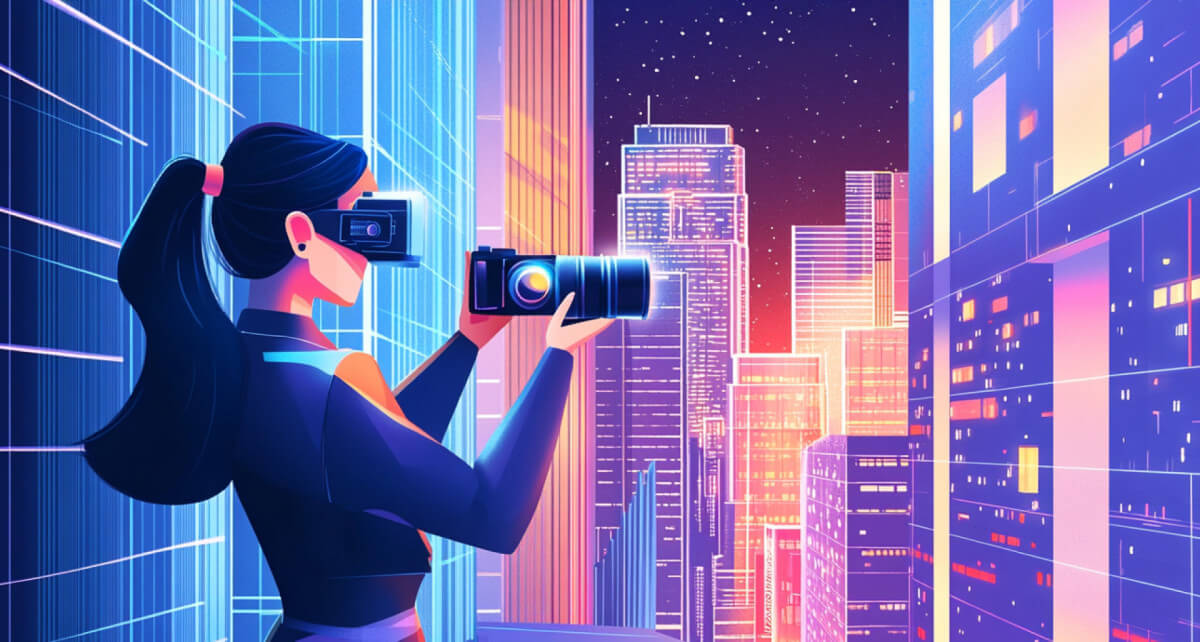
Editing photos used to take hours of manual work in complex software. You had to learn layers, masks, and brushes just to fix a simple background or change a color. Today, generative AI does the heavy lifting for you. You can now describe the changes you want in plain English, and the software handles the pixels. Whether you want to fix an old family photo or create a brand new character from a sketch, the tools available this year are faster and smarter than ever before.
Master the AI Photo Editor Workflow
The first step in modern editing is cleanup. You don’t need to manually clone out distractions anymore. A modern AI photo editor uses neural networks to understand what should be behind an object. When you brush over a person or a trash can you want to remove, the AI looks at the surrounding textures. It fills the gap with grass, sky, or wall patterns that match perfectly. This process, often called inpainting, is the foundation of professional looking photos in 2026.
Once your photo is clean, you can start adding things. Generative fill allows you to highlight an area and type a prompt. If you have a photo of a desert, you can highlight a spot and type “blue vintage car.” The AI will place the car there, making sure the shadows and lighting match the sun in your original photo. It makes the edit look like it was part of the original shot.
How to Use a Free Image to Image Generator
Sometimes you don’t start with a perfect photo. You might have a rough drawing or a low quality snapshot. This is where a Free Image to Image Generator becomes your best tool. This technology takes your original image as a structural guide. It keeps the shapes and positions of objects but redraws them with high quality details.
To get the best results, you should follow these three steps:
- Upload your base: Use a photo with a strong composition or a clear sketch.
- Adjust the strength: Most tools have a slider. A high strength means the AI will change a lot, while a low strength keeps it closer to your original.
- Refine the prompt: Be specific about the style. Instead of just saying “a forest,” try “a lush pine forest at sunset with cinematic lighting.”
Advanced Tips for Professional Results
Lighting is usually the giveaway that a photo has been edited. In 2026, AI tools can perform relighting. This means the AI understands the 3D depth of your flat image. If you add a person to a dark room, you can tell the AI to add a soft glow from a nearby window. The light will hit the person’s face and shoulders naturally. This level of detail used to take professional retouchers hours, but now it happens in seconds.
Another big trend this year is upscaling. If you find an old photo that is small and blurry, AI can add pixels that weren’t there before. It guesses the details of skin pores, fabric textures, and hair strands. This turns a 500 pixel image into a 4K masterpiece without making it look like a plastic cartoon.
Why You Should Start Using AI Tools Now
The barrier to entry for creative work has never been lower. You don’t need an expensive camera or a degree in graphic design to make stunning visuals. By using these tools, you save time on boring tasks like fixing blemishes or removing power lines. This gives you more time to focus on the creative side of your projects.
The key to success is experimentation. Don’t be afraid to try different prompts or sliders. Every AI model has its own personality and strengths. Some are better at realistic portraits, while others excel at abstract art. As you play with these tools, you’ll learn how to guide the AI to get exactly what you see in your mind.
FAQ About AI Photo Editing
Is AI photo editing cheating?
No, it is simply a new tool. Just as digital cameras replaced film and Photoshop replaced darkrooms, AI is the next step in the evolution of photography. It allows you to express your vision more efficiently.
Can I use these images for my business?
Most AI tools allow for commercial use, but you should always check the specific terms of service. Most platforms in 2026 have clear rules about ownership of the content you generate.
Do I need a powerful computer?
Not anymore. Most of the heavy processing happens on the cloud. As long as you have a stable internet connection and a web browser, you can use the most powerful AI models in the world.
How do I make the AI results look less fake?
The best way is to use a lower strength setting when doing image-to-image tasks. This keeps the realistic proportions of your original photo while letting the AI enhance the textures and lighting.
What is the best format for saving AI edits?
Always save your final work in a high quality format like PNG or TIFF. If you plan to post them on social media, a high bitrate JPEG is usually enough to keep the details sharp.
