




Introduction:
The use of the Internet has become an integral part of everyday life, from work to entertainment and communication. To ensure security and privacy, many individuals and businesses are turning to virtual private networks (VPNs).
In this blog, we will discuss the VPN industry and how it works, the types of VPNs available, the benefits and potential drawbacks of using a VPN, and how to choose the right one for your needs.
Definition of a Virtual Private Network (VPN)
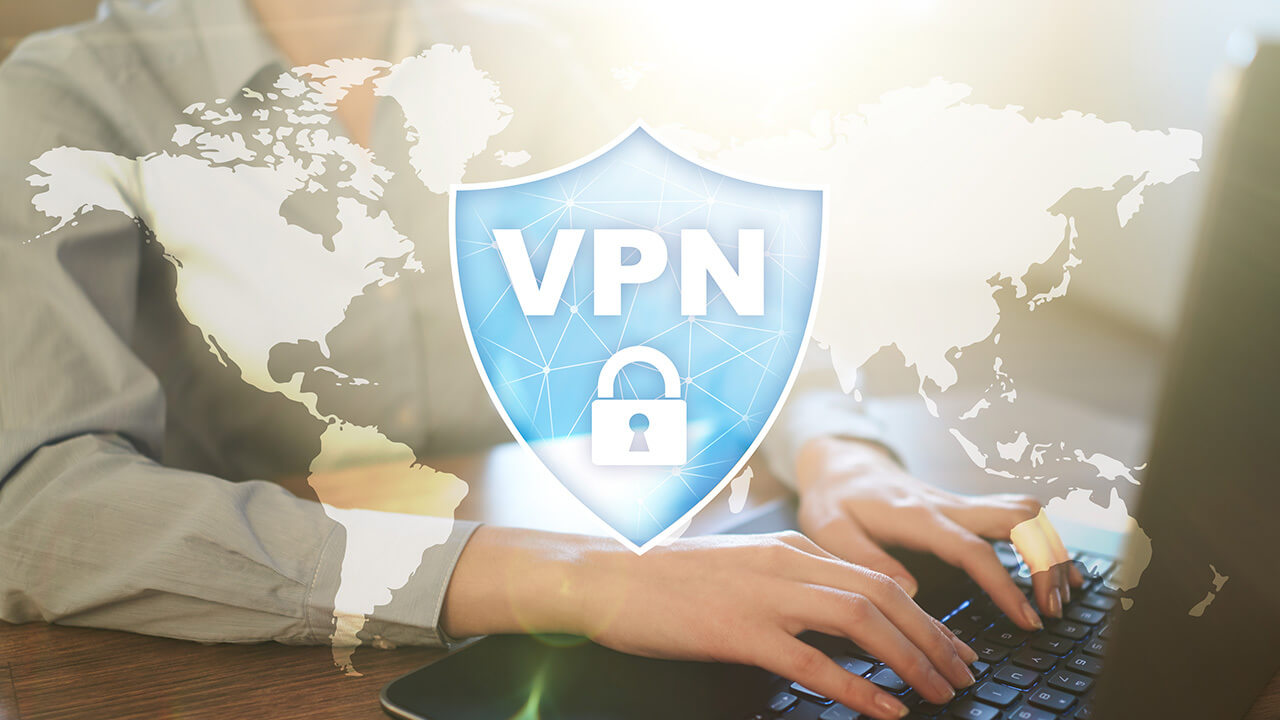
A virtual private network (VPN) is a secure connection between two or more devices that allows traffic to pass through a public network, such as the internet, without being exposed to the public. It provides a private, encrypted tunnel for data to travel through, which means that any data that travels through it is secure and cannot be accessed by anyone else.
Overview of the VPN Industry
The VPN industry has grown significantly in recent years, with more and more people and businesses turning to virtual private networks for secure and private communication. According to Statista, the global VPN market is projected to reach $56.2 billion by 2026. This growth is likely due to the increasing number of cyberattacks, increasing awareness of the need for secure communication, and the increasing number of geo-restricted websites and services.
Types of VPNs
VPNs can be divided into two main categories: business VPNs and personal VPNs.
Business VPNs:
Business VPNs are used by companies to securely connect multiple remote locations and to provide secure access to their internal networks. They are typically more powerful and secure than personal VPNs and can be used to connect hundreds of devices at once.
Personal VPNs:
Personal VPNs are used by individuals to protect their privacy and security when browsing the web. They are typically less powerful and secure than business VPNs, but they provide the same level of security and privacy for personal use.
Benefits of Using a VPN
There are many benefits to using a VPN, including enhanced security, improved privacy, and the ability to bypass geo-restrictions.
Enhanced Security:
Using a VPN adds an extra layer of security to your online activity, as it encrypts your data and prevents it from being intercepted by hackers or other malicious actors. A good VPN will also prevent ISPs from tracking your online activity, which ensures that your data remains secure and private.
Improved Privacy:
Using a VPN also improves your privacy, as it masks your IP address and location, making it difficult for websites and services to track your activity. This means that your online activity is kept completely private and secure.
Ability to Bypass Geo-Restrictions:
Using a VPN also allows you to bypass geo-restrictions, as it allows you to connect to a server in a different country. This means that you can access content that may be blocked in your country, such as streaming services, websites, and applications.
Potential Drawbacks of Using a VPN
Although using a VPN has many benefits, there are also potential drawbacks to consider.
Slow Network Speeds:
Using a VPN can slow down your internet connection, as it adds an extra layer of encryption that can slow down your connection. This means that you may experience slower speeds when using a VPN.
Compatibility Issues:
Using a VPN can also cause compatibility issues with certain websites and services, as some websites and services may not be able to recognize the VPN’s IP address. This means that you may not be able to use certain websites or services when using a VPN.
How to Choose the Right VPN
When choosing a VPN, it’s important to research different VPN providers and consider your needs.
Here are some tips to help you choose the right VPN:
Research Different VPN Providers:
The first step is to research different VPN providers and compare their features, such as server locations, security features, and pricing. This will help you find the right provider for your needs.
Consider Your Needs:
Once you have researched different VPN providers, it’s important to consider your needs. Think about what you need the VPN for, such as accessing geo-restricted content or enhanced security and privacy. This will help you narrow down your options and find the right VPN for your needs.
Look for Reviews and Ratings:
It’s also important to look for reviews and ratings from other users to ensure that the VPN you choose is reliable and secure. This will help you find a VPN that is reliable and secure, as well as one that provides the features and services you need.
Conclusion:
Using a VPN can provide enhanced security and improved privacy, as well as the ability to bypass geo-restrictions. When choosing a VPN, it’s important to research different providers, consider your needs, and look for reviews and ratings from other users. By following these steps, you can make sure that you choose the right VPN for your needs.

