




Thirty seconds is a peculiar amount of time for a travel story. It is long enough to suggest a morning in a place, but far too short to explain the place itself. The strongest starting point, to my mind, is accepting that limitation. Choose a small experience and give it room to register.
Imagine a seaside town with a working harbor, narrow shopping streets, and a path above the water. A campaign could race through all three, adding restaurants, hotels, and sunset views along the way. Or it could follow a quieter idea: arriving early, walking toward the harbor, and stopping to look out at the boats.
I would explore the second version with Seedance 2.5. Its ability to generate up to 30 seconds in one pass makes a compact destination vignette possible, while mixed references let a creative brief draw on photographs, movement examples, and audio. The important work happens before generation: deciding which details belong to the actual place and what story they can support.
Pick an Experience, Then Choose the Images
Travel campaigns often begin with a folder of impressive photographs. There is nothing wrong with that, but a folder is not yet a sequence. If every image represents a different season, time of day, or kind of trip, a short video can feel like a set of unrelated promises.
For the harbor idea, I would look for materials that share a recognizable morning atmosphere. A wide photograph might establish the waterfront. A street-level image could supply a quieter approach. A closer view of the boats might give the ending somewhere to settle. Anything that does not support that small journey can wait for another piece.
I would also decide who the piece is for. A visitor planning a slow weekend needs a different introduction from someone researching outdoor activities. That choice affects pace and emphasis. It does not require reducing the destination to a slogan; it simply gives the editor a person to keep in mind.
Keep the Place More Specific Than the Mood
Seedance 2.5 can use text alone, a first image, first and last images, or a set of references to guide video generation. For a real destination, visual references are especially valuable because broad words such as “picturesque harbor” could describe thousands of places. The campaign needs the waterfront in question.
I would make one photograph the primary guide to the setting and use other images to clarify details. Rooflines, boats, paving, and the shape of the shoreline contribute to recognition. A reference selected only for attractive light should not quietly replace those details with features from somewhere else.
There is also a difference between a scene and a route. A generated transition between a shopping street and the harbor does not prove that they connect in the way shown. If the video suggests a walk visitors can actually take, the route needs independent confirmation. Otherwise, a straightforward edit between scenes is clearer.
Use the Reference Budget Purposefully
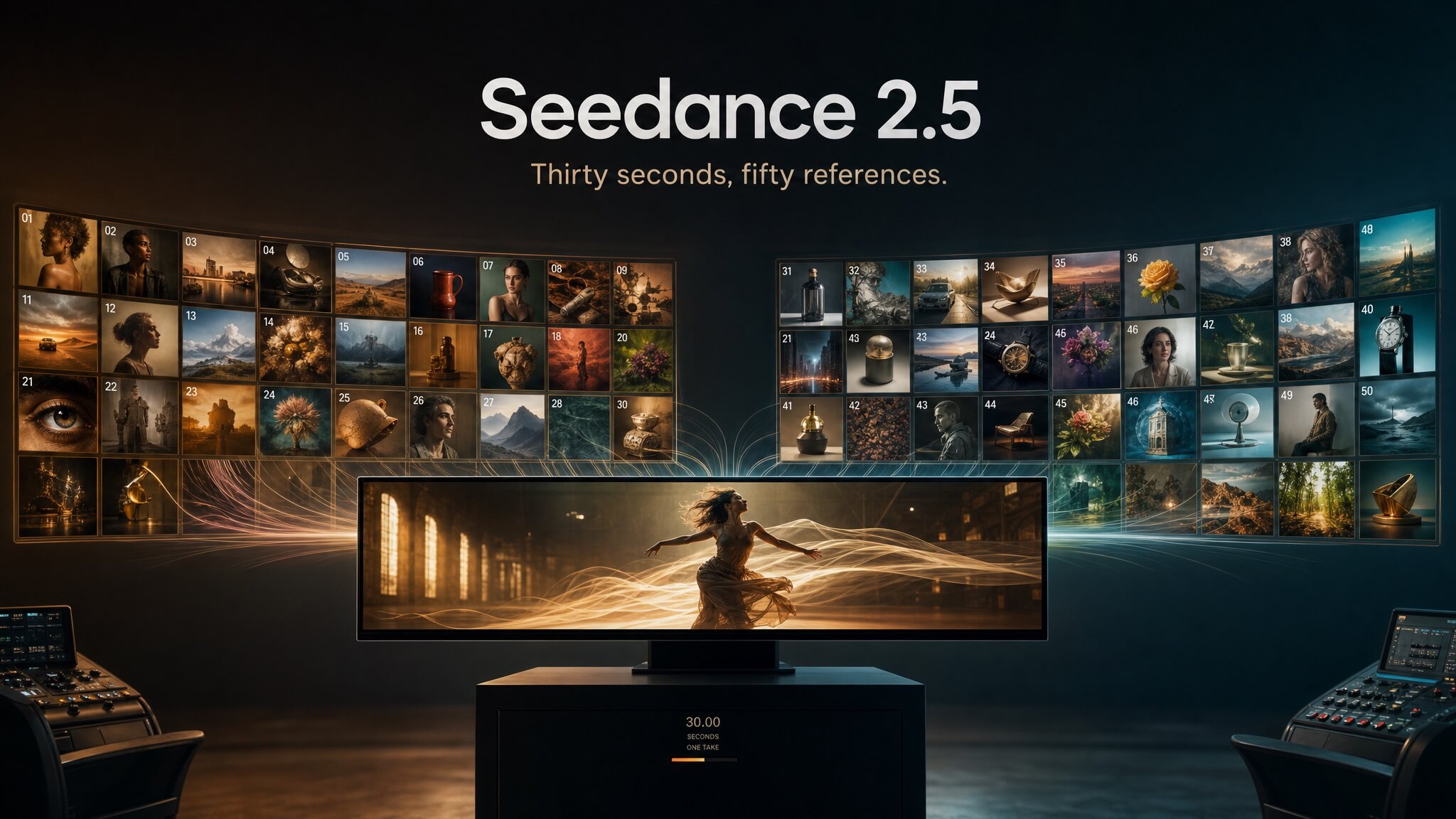
Seedance 2.5 supports a maximum of 50 mixed reference materials: up to 30 images, 10 videos, and 10 audio clips. That is useful for a brief assembled from several sources, but I would start the harbor concept with a compact selection. Too many competing views can make the intended scene harder to describe.
An image can establish the place, a video can demonstrate a gentle camera movement, and an audio clip can communicate the proposed sound atmosphere. Use @Image1, @Video1, and @Audio1 to explain those responsibilities in the prompt. The source of the geography and the source of the filming style should be distinguishable.
Each reference video must be 2–30 seconds long, and all reference videos together may total no more than 30 seconds. Audio references have the same duration rules separately. I would trim each example to the portion that matters and listen to audio references carefully for sounds that belong to a different environment.
Plan an Arc That Can Survive Simplification
A 30-second story does not need a plot twist. For this concept, the arc might be anticipation, arrival, and a pause. The opening looks toward the water from a nearby street. The middle establishes the harbor. The ending gives viewers a few seconds with a recognizable waterfront view.
Those beats are a creative outline, not a guarantee of precise timing from Seedance 2.5. If a single generation struggles with the location changes, I would generate the scenes individually and assemble them afterward. The idea should still work with simple cuts. If it depends entirely on a spectacular continuous camera journey, it may be too fragile for a first attempt.
I would try the quietest scene first, using a prompt such as this:
Create an 8-second travel scene based on @Image1, preserving the harbor buildings, boats, and shoreline. Use @Video1 only as a reference for the slow camera pace. Make a gentle movement toward the waterfront without introducing new streets or landmarks. Keep the morning light consistent with the photograph. End with an unobstructed view of the boats. Do not add text.
Once that scene is convincing, the surrounding shots can be developed to match its pace and light. Starting with one stable visual anchor is easier than revising three incompatible scenes together.
Make Sound Earn Its Place
Sound can suggest a destination before the viewer has fully read the image. That makes it useful, but it also makes careless choices conspicuous. Loud surf over a sheltered harbor or heavy traffic over a quiet pedestrian street changes the implied experience.
Seedance 2.5 allows audio to serve as the only reference material. For this use case, I would still provide photographs of the destination and use audio as additional direction. I would inspect the generated soundtrack rather than assume a supplied clip will be reproduced exactly or matched perfectly to an action.
The final piece should also make sense silently. A clear visual sequence is valuable for placements where viewers may not hear the audio. If an essential detail exists only in narration, consider whether it belongs in a concise caption added during editing.
Review for Details a Visitor Could Notice
Before release, I would ask someone familiar with the town to compare the scenes with the source photographs. A creative team may be absorbed in movement and color, while a local reviewer immediately spots a missing pier or an invented tower.
Seasonal details matter too. Flowering plants, beach conditions, outdoor seating, and the amount of daylight can imply a particular time of year. A campaign does not need to document every possible condition, but it should not present a generated seasonal transformation as a factual view without making its illustrative nature clear.
Crowds and access deserve the same attention. Removing every person can make a busy place seem unusually secluded. An inviting view of a private terrace can suggest public access. I would resolve those questions in the selection and edit, keeping the scene aligned with the experience the campaign actually describes.
Adapt the Story Without Losing the Destination
Seedance 2.5 offers 480p and 720p output, with durations from 4 to 30 seconds. Text and reference modes support adaptive sizing and several ratios, including 16:9, 9:16, and 1:1. Image mode uses adaptive sizing only. Those choices affect which destination details remain visible.
A wide harbor view may lose its most recognizable building in a vertical crop. I would prepare compositions for the intended placement rather than assume one version can be cropped into every format. Titles and destination names can be added after selecting the footage, where their legibility is easier to control.
For me, the best first use of Seedance 2.5 in travel marketing would be a modest invitation: a few moments that make someone curious enough to learn more. A well-chosen morning, shown with care, can do that. It leaves the destination recognizable and lets a small experience carry the story.
