






There is a particular kind of quiet that settles over a parent the first time their child walks to school alone. You watch them turn the corner, and for the next twenty minutes your mind fills in every possible scenario. Did they cross at the right spot? Did they stop at a friend’s house? Are they already in class, or still dawdling by the park?
Growing independence is a healthy part of childhood, but it rarely arrives at a pace that feels comfortable for parents. Many families are not ready to hand an eight-year-old a smartphone, with its open internet, social apps, and endless distractions. Yet they still want a simple way to stay in touch.
A wearable designed for children sits between those two worlds. This article explores what these watches actually do, how to use them in a way that supports your child’s confidence rather than undermining it, and the practical steps for getting one set up so it works reliably from day one.
The Moment Parents Start Looking for a Better Solution
For most families, the need appears gradually. A child starts attending after-school clubs, takes the bus for the first time, or spends Saturday afternoons at a friend’s home down the street. Each small step brings a new question about how to check in without hovering.
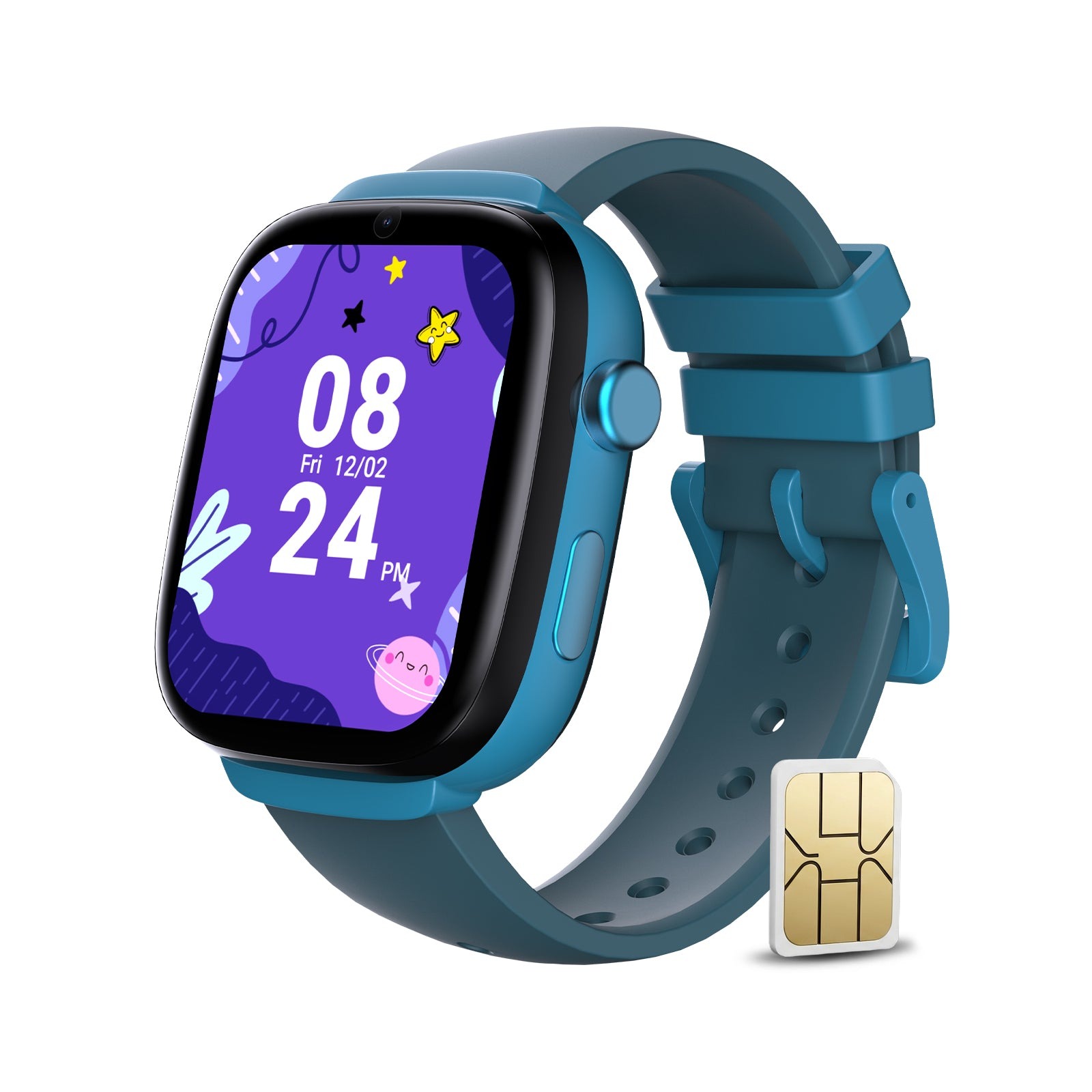
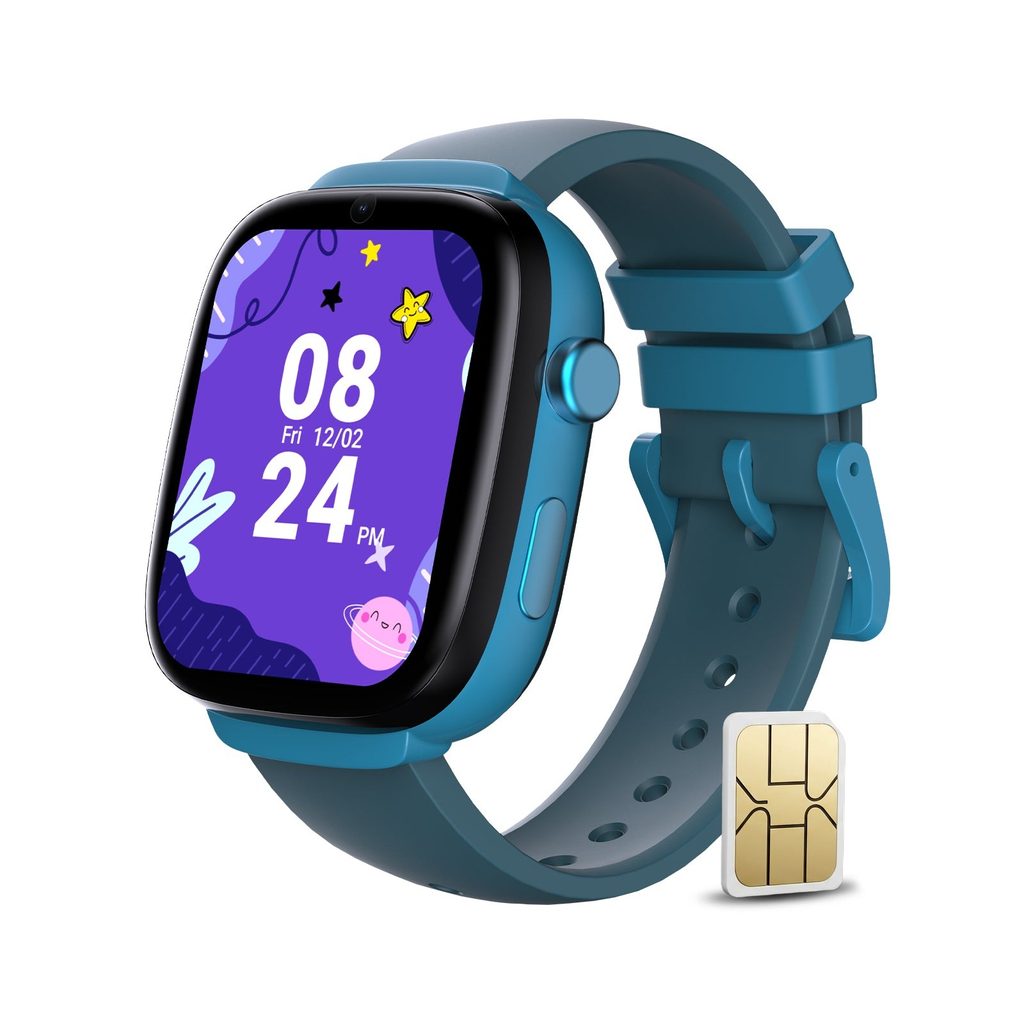
Smartphones are the obvious option, but they come with trade-offs many parents are not ready to accept for younger children. Screens can pull attention away from the world around them, app stores and browsers require constant supervision, and a fragile device in a backpack does not always survive the playground. A kids GPS watch offers the core safety features parents care about in a durable, focused format that stays on the wrist rather than disappearing into a bag.
What a Kids GPS Watch Actually Does
These watches are built around communication and location rather than entertainment. The exact features vary by model, but most center on a few essentials that matter for daily family life.
Location Updates and Safe Zones
The watch uses satellite positioning and cellular data to share its location with a parent’s app. You can see where your child is on a map, which is helpful when plans change or a pickup time shifts. Many watches also allow you to set safe zones around places like school, home, or a grandparent’s house. When the watch enters or leaves one of these areas, you receive a notification, so you know your child arrived without needing to call.
Calls and Messages with Approved Contacts
Unlike a phone, a children’s watch typically limits communication to a list of contacts that parents approve. Your child can call you, a grandparent, or a trusted neighbor, while unknown numbers are blocked. Some models also support short voice messages, which are easy for younger kids who are still learning to type.
An SOS Button for Urgent Moments
An emergency button is one of the most reassuring features. With a long press, your child can alert designated contacts and share their location immediately. It gives children a clear, simple action to take if they feel lost or unsafe, which can be a confidence boost in itself.
Balancing Safety with Independence
A tracking device works best when children see it as a tool that gives them more freedom, not a leash. How you introduce it makes a big difference. Explain that the watch lets them walk to a friend’s house or join the neighborhood bike ride because you can reach each other easily. Framing it this way turns the watch into a privilege that comes with growing up.
It also helps to agree on a few family rules together. Decide when calls are expected, what the SOS button is for, and how often you will check the map. Children who understand the reasons behind the rules are far more likely to wear the watch consistently and use it responsibly.
Resist the urge to check location constantly. Frequent monitoring can create anxiety for both parent and child, and it can quietly send the message that you do not trust them. Most families find that relying on safe zone alerts, rather than watching the map, strikes a comfortable balance between reassurance and respect.
Questions Worth Asking Before You Buy
Not every child’s watch suits every family, so a little research upfront prevents disappointment later. Start with durability. Children run, climb, and occasionally forget the watch is on their wrist when they wash their hands, so a sturdy build and a degree of water resistance make a real difference in how long it lasts.
Next, think about comfort and size. A watch that feels bulky on a small wrist is more likely to end up in a drawer. Check the strap material and whether it can be adjusted as your child grows.
Battery life is another practical consideration. Frequent location updates use more power, so it helps to understand how the watch balances tracking accuracy with daily runtime. A model that comfortably lasts through a school day and after-school activities is ideal.
Finally, look closely at the companion app and privacy practices. The app should be easy to navigate, clearly show location history, and let you manage contacts without confusion. Just as important, look for clear information about how location data is stored and who can see it. Your child’s whereabouts are sensitive information, and you deserve to know how they are protected. Check, too, whether the school allows watches during class, and whether a class mode that silences calls during lessons is available.
Getting Your Child Started the Right Way
A smooth setup means the watch is ready when your child needs it, instead of failing on the first day of school. Because these watches use a cellular connection for calls and location, they need an active SIM card with a suitable plan. Families who use Eiotclub often pair the watch with a compatible data plan so the hardware and connectivity work together without guesswork.
Follow these steps before handing the watch over:
- Insert and activate the SIM card according to the included instructions.
- Charge the watch fully and download the companion app on your phone.
- Pair the watch with the app and add approved contacts for calls and messages.
- Set up safe zones around home, school, and other regular destinations.
- Test a call, a voice message, and the SOS button together with your child.
That final test is important. Practicing an SOS alert at home helps your child remember what to do under stress, and it confirms that notifications reach your phone correctly.
Everyday Habits That Keep It Working
Even the most reliable watch only helps if it is charged and on the wrist. Build charging into the evening routine, such as placing it on the charger alongside a school bag each night. A consistent spot makes it easy to remember.
Check in occasionally on how your child feels about wearing it. If the strap is uncomfortable or friends tease them about it, those small issues can lead to the watch being left at home. Letting kids choose a strap color or watch face gives them a sense of ownership.
Finally, review your settings every few months. As your child grows, you may want to widen safe zones, add new contacts like a coach or a friend’s parent, or loosen check-in expectations. The watch should grow with them, reflecting the trust you are building together.
Growing Confidence, One Step at a Time
Watching a child take on new independence is both exciting and nerve-wracking. A wearable built for kids offers a thoughtful middle ground, giving families a way to stay connected without handing over a full smartphone before a child is ready.
The core features are simple but meaningful: location sharing, safe zone alerts, calls with approved contacts, and an SOS button for urgent moments. Their real value comes from how families use them. Introduce the watch as a tool for freedom, agree on clear rules together, and rely on alerts rather than constant checking.
With a proper setup, a charged battery, and settings that evolve as your child grows, the watch becomes a quiet companion on every walk home. For parents, that means fewer anxious minutes at the window, and for kids, it means the confidence to explore their world a little further each day.

